Week 2: 2D Design and Cutting
Background
At the beginning of this week, I had never once touched Fusion 360. I knew of CAD, but had no idea how to model something. I definitely felt the learning curve! I struggled at first in lab with the "useless box" design, but I finally got the hang of it with some tutorials. I feel a lot more confident now!
Designing & Laser Cutting a Box
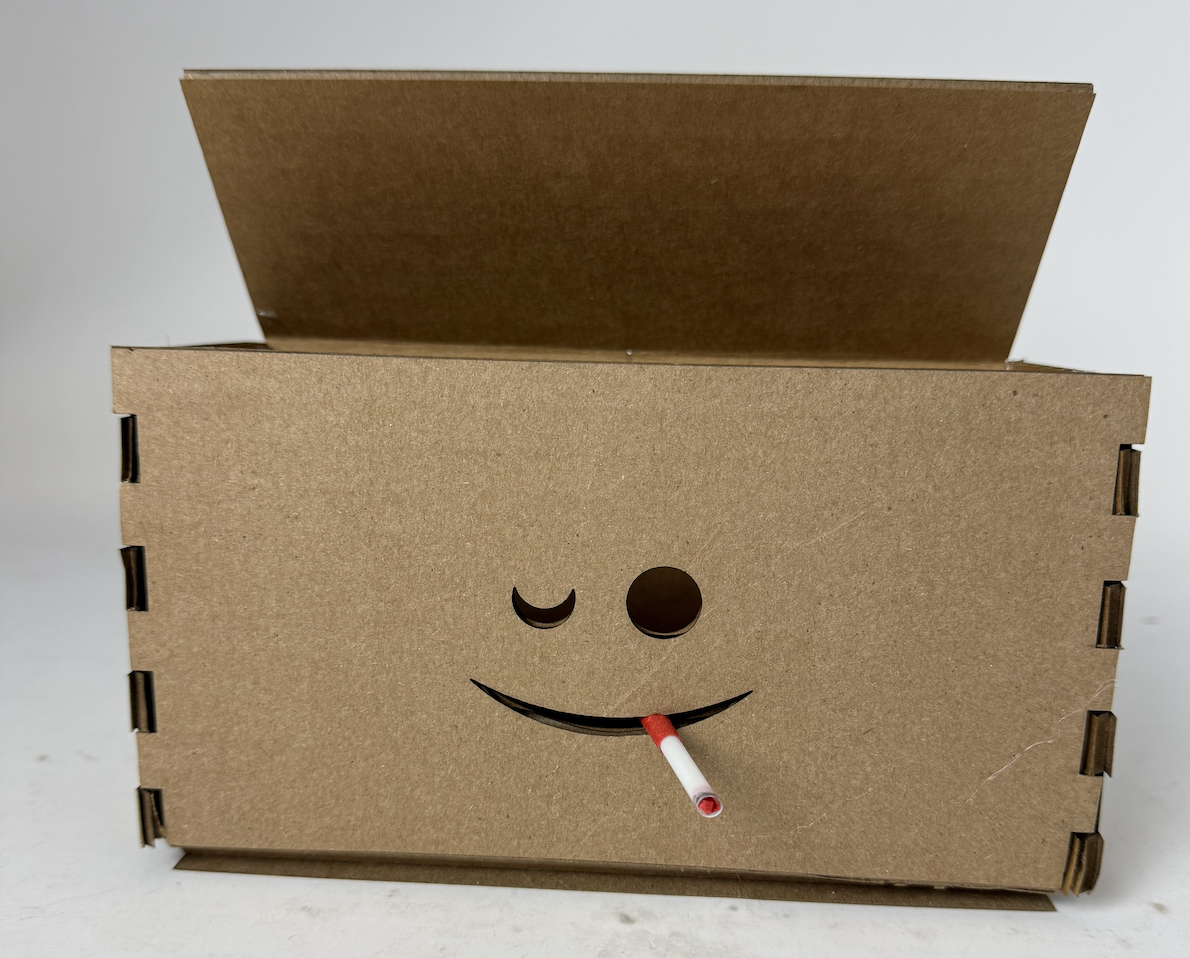
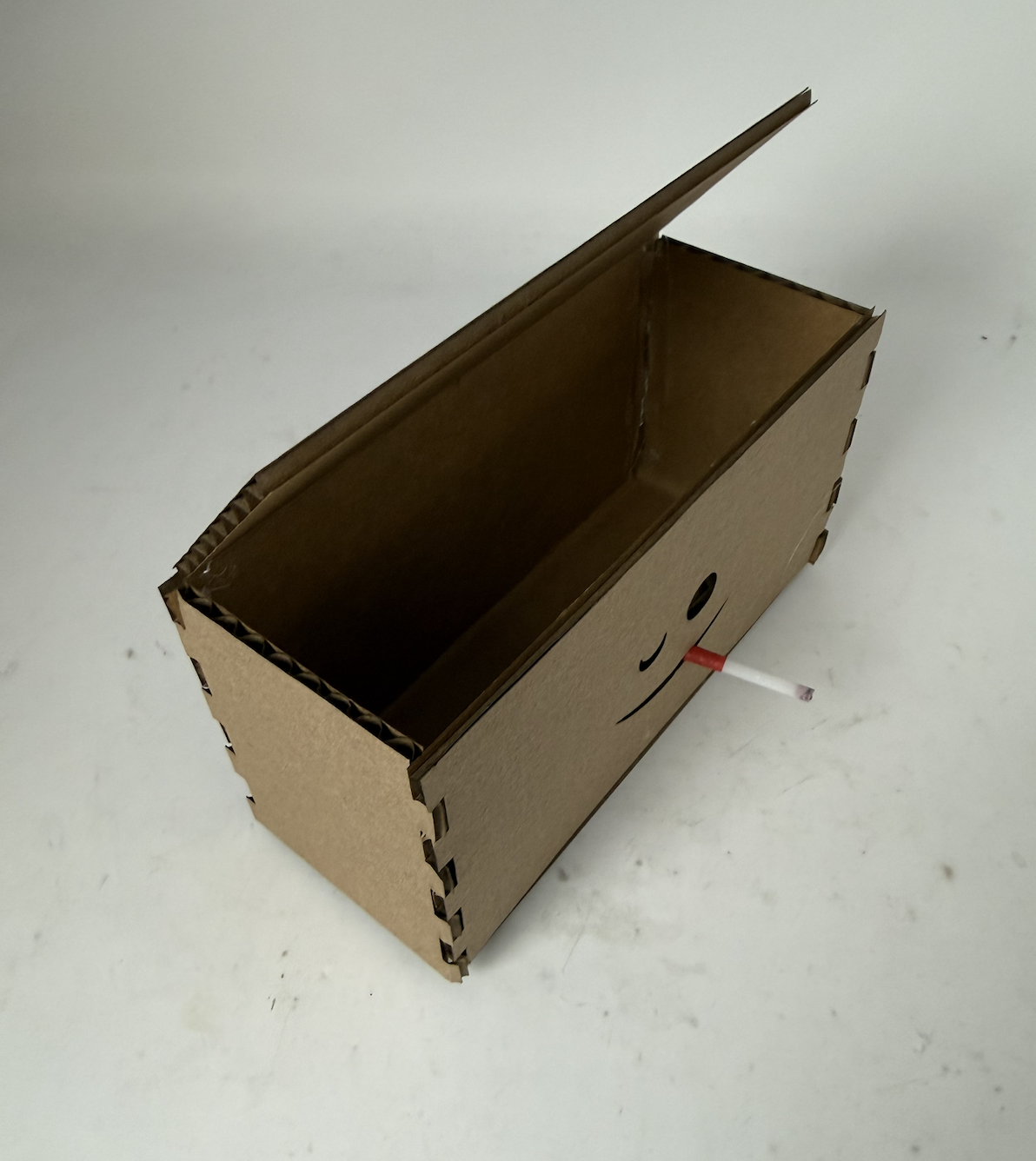
By following Nathan's video, I was able to make the following box. However, I wanted my box to be able to fit a long breadboard so I measured with Calipers to make a larger version with an appropriate amount of teeth. Finally for design, I threw in a little winky face on the front. I scored the box on the crease folds, and cut the edges/winky face. Cigarette in mouth (or rather straw) my "Hot Box" was ready to go.
Download "Hot Box" FileHousehold Item 1: Headphones
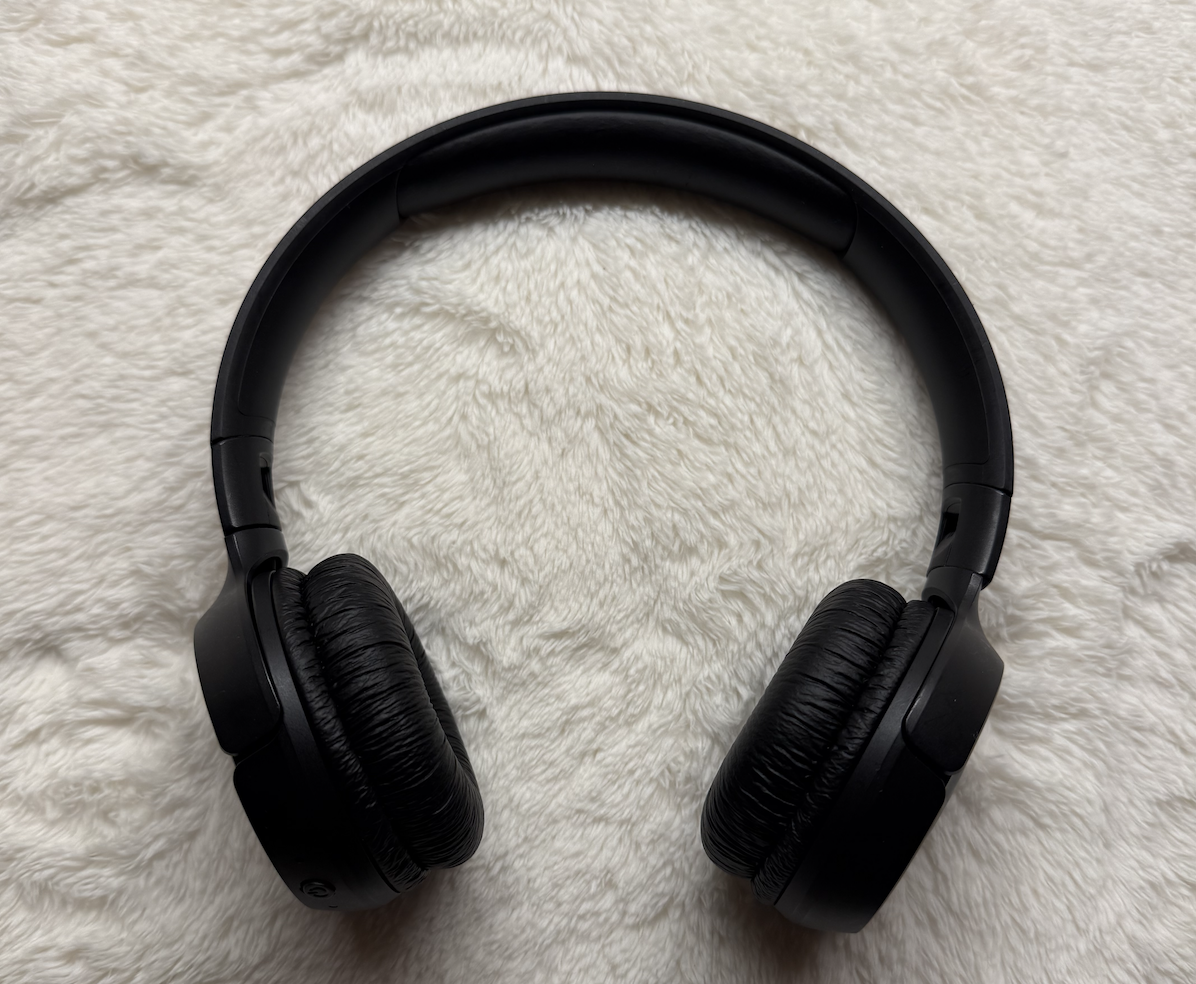
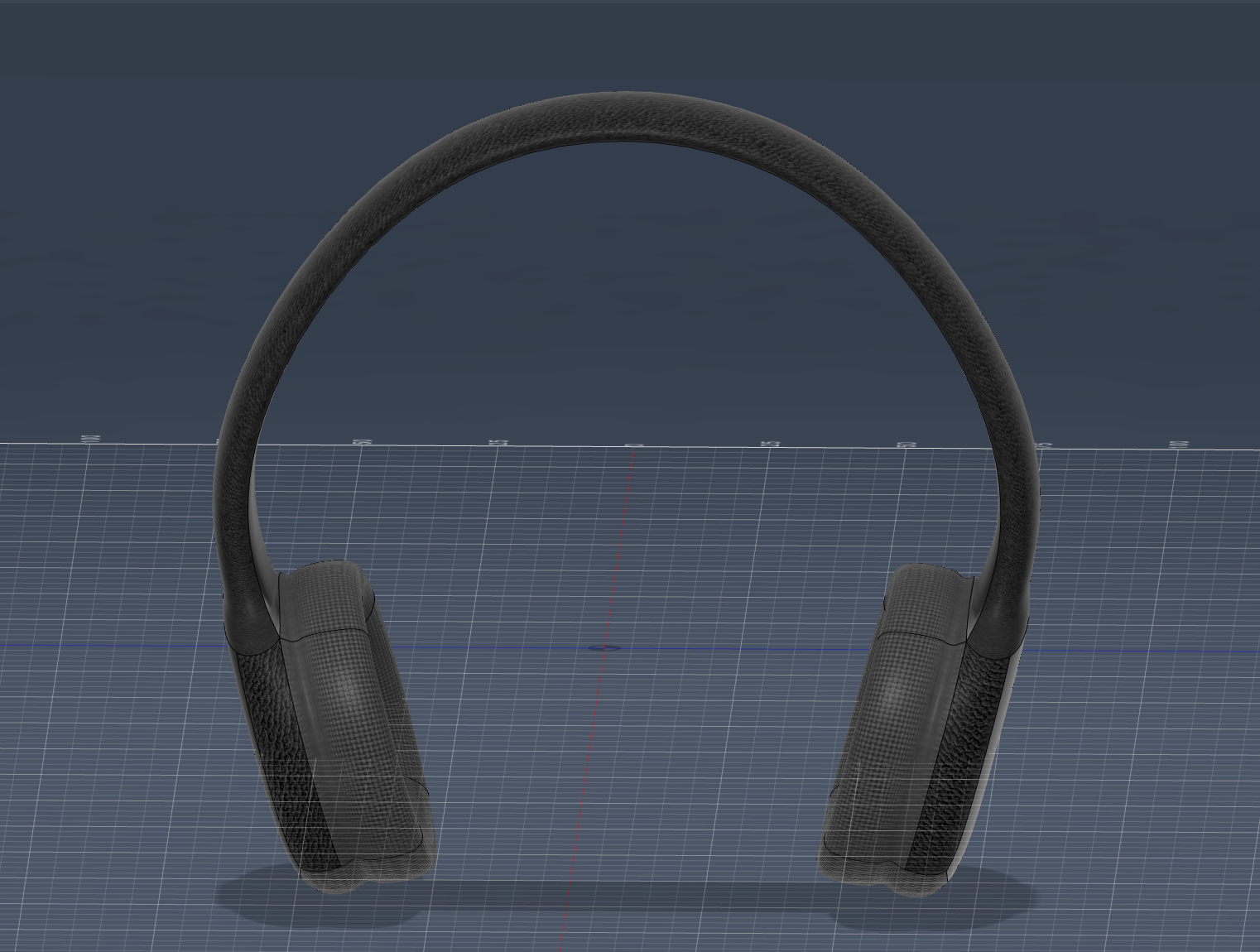
My inspiration for choosing this object has to do with a possibility for my final project, making headphones that play gamma waves. This was hard because of all the organic shapes, but I felt I was able to get into some semblance of a flow state (especially with the help of this tutorial). I measured my headphones using calipers and did my best to replicate them in Fusion360.
Download "Headphones" FileHousehold Item 2: Mirror and Stand
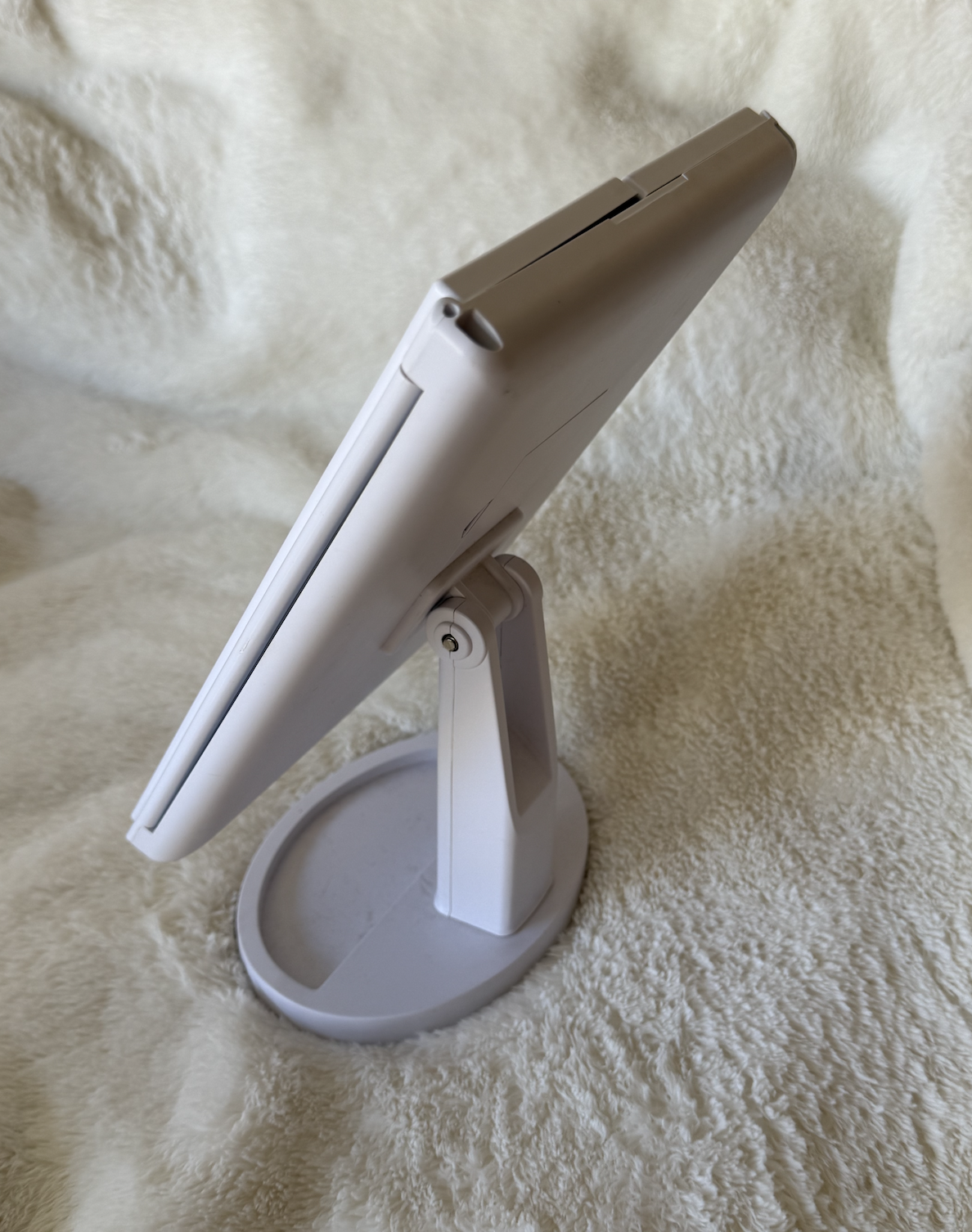
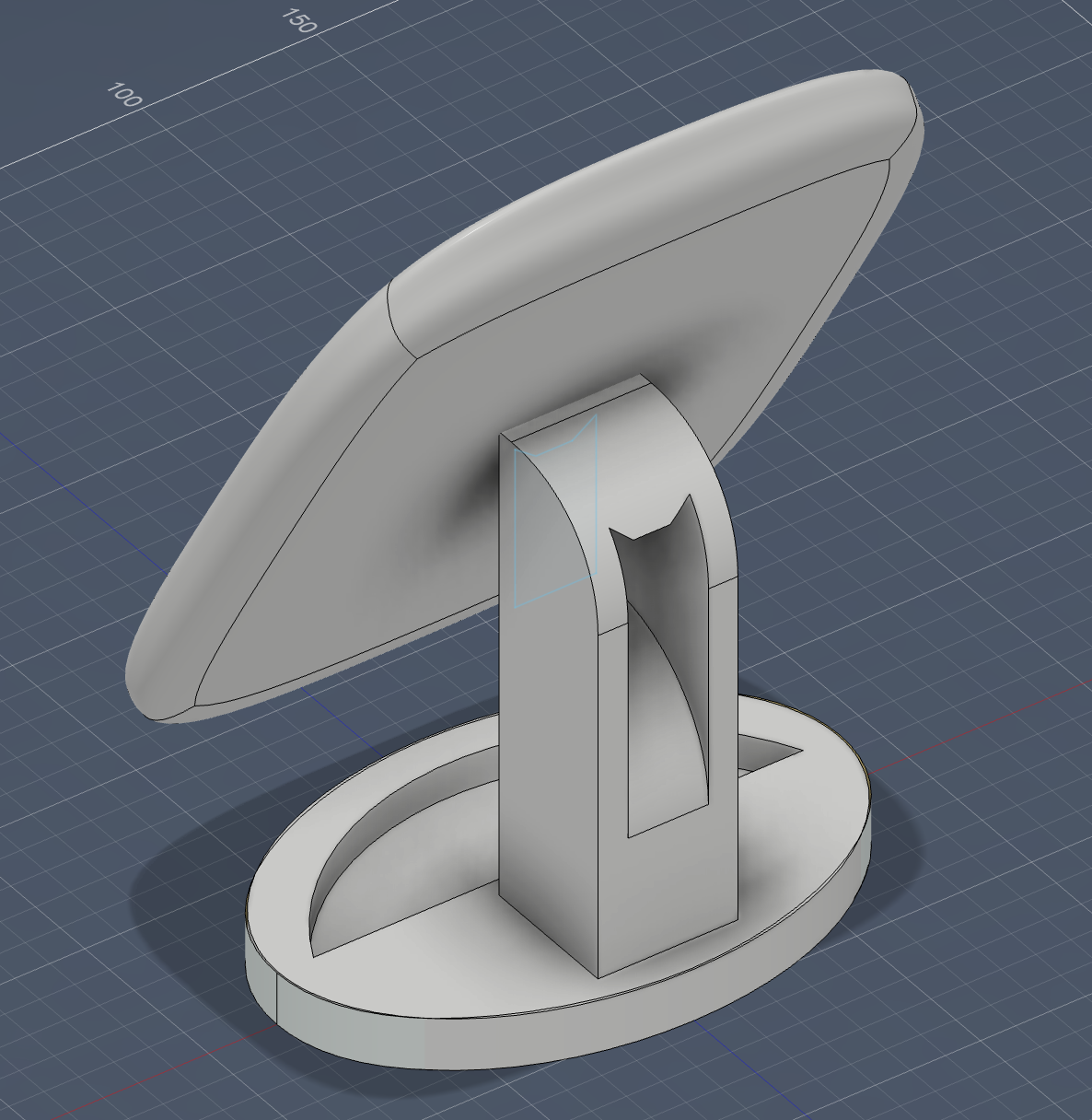
I started off by trying to model glasses, since that is the second component of my project idea. However, I got stuck putting the glass in place and struggled with the different parts. I decided to switch gears, and modelled a rotatable mirror on a stand that I have in my room that I measured (maybe to eventually use as inspiration for a headphone stand). I didn't get the joints quite right, but felt excited about the rotation and extruding I learned how to do!
Download "Mirror Stand" FileTutorial: Lego Block
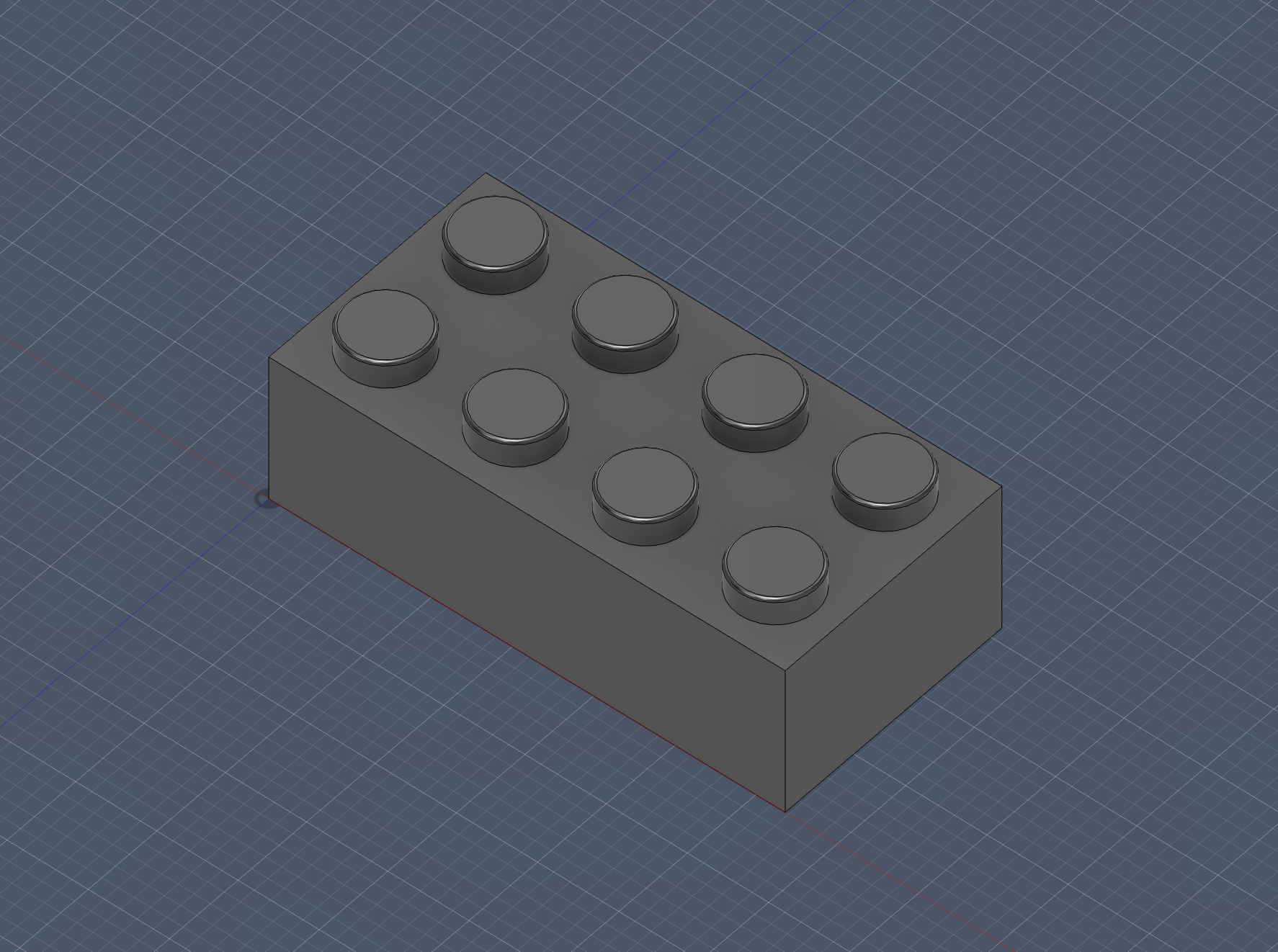
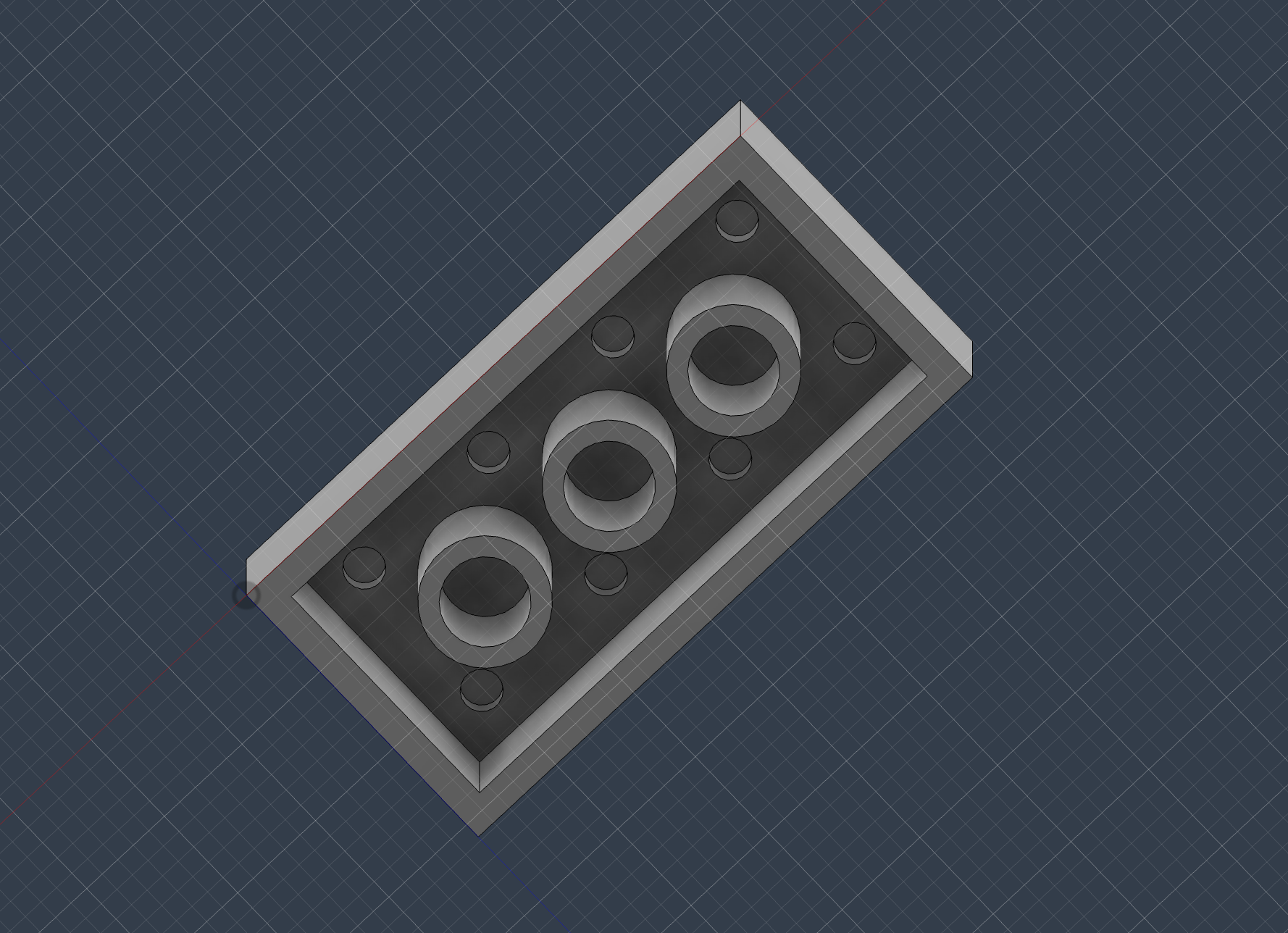
I had first followed a tutorial to model a lego block. I learned how to make an object hollow, extrude, and a lot of other basics.
Download "Lego Block" File