Week 8: CNC Milling
Background
I was excited this week to create a Tactile Piet Mondrian painting. I replicated the Mondrian from the Harvard Art museum, shopbot cut it and then made a mold with plaster and painted. Because Mondrian was a deconstructionist who wanted to break down the concepts of art, I was excited to honor him this week by creating this piece.
Trace on 360 and Upload to ShopBot
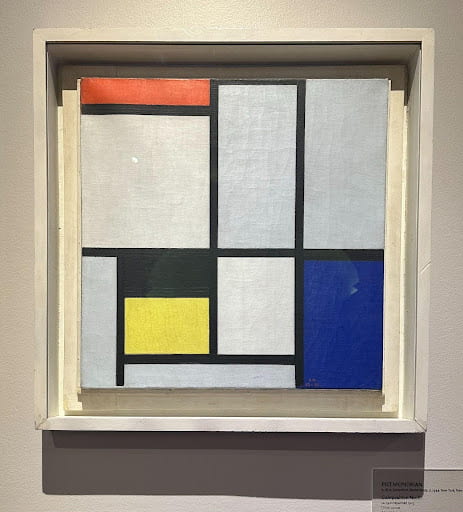
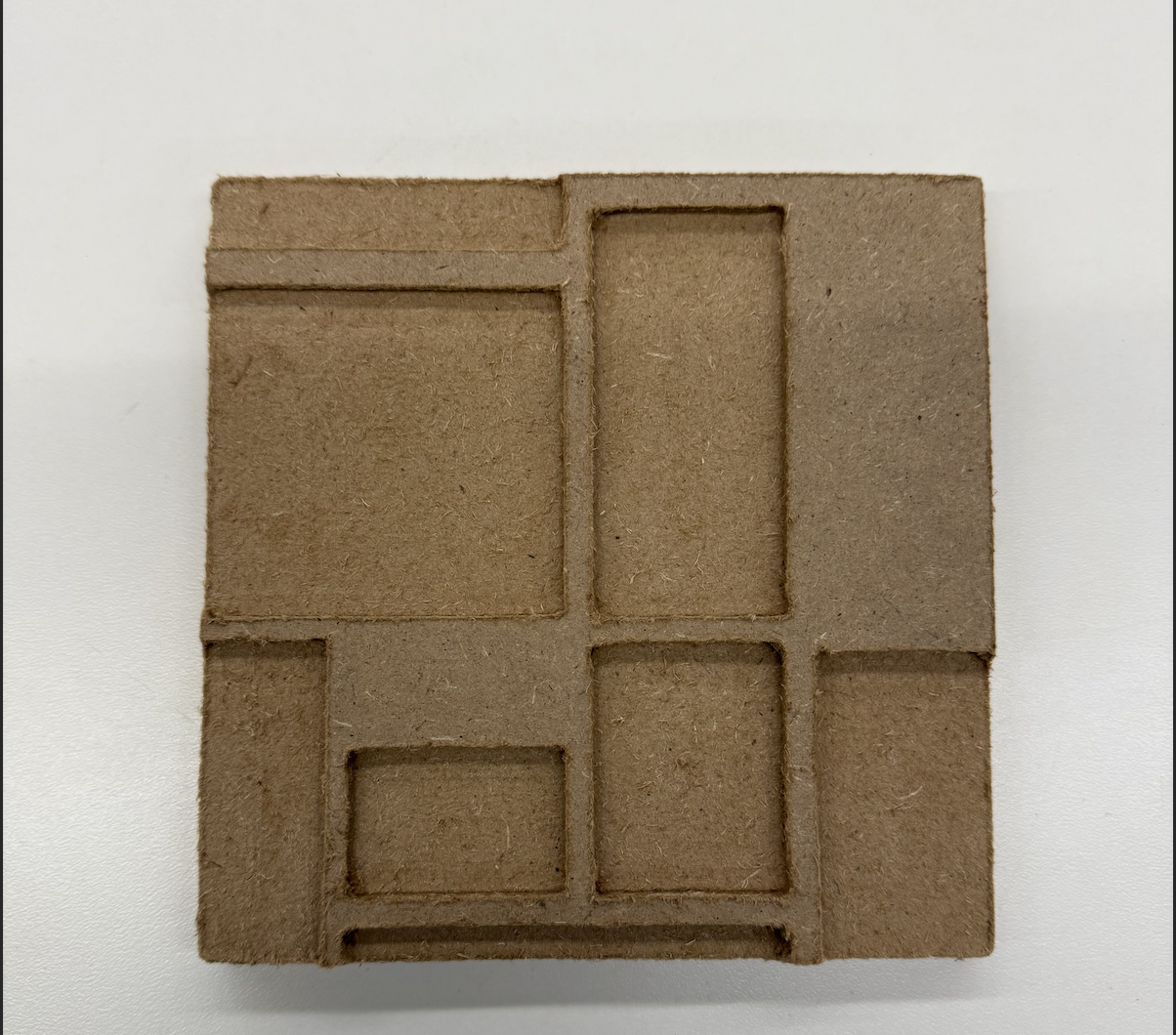
I inserted the photo of the Mondrian into Fusion360 and traced over it, before exporting it and uploading it to the ShopBot. I fixed any shapes and resized on the computer program, before putting in shopbot. I did an airtrace and sized the mondrian accordingly so that it could fit into the vaccuum former. Then, I added notches and let the shopbot run. I shaved down the edges because I used the material that has rough edges.
Vaccum Seal and Plaster Mold
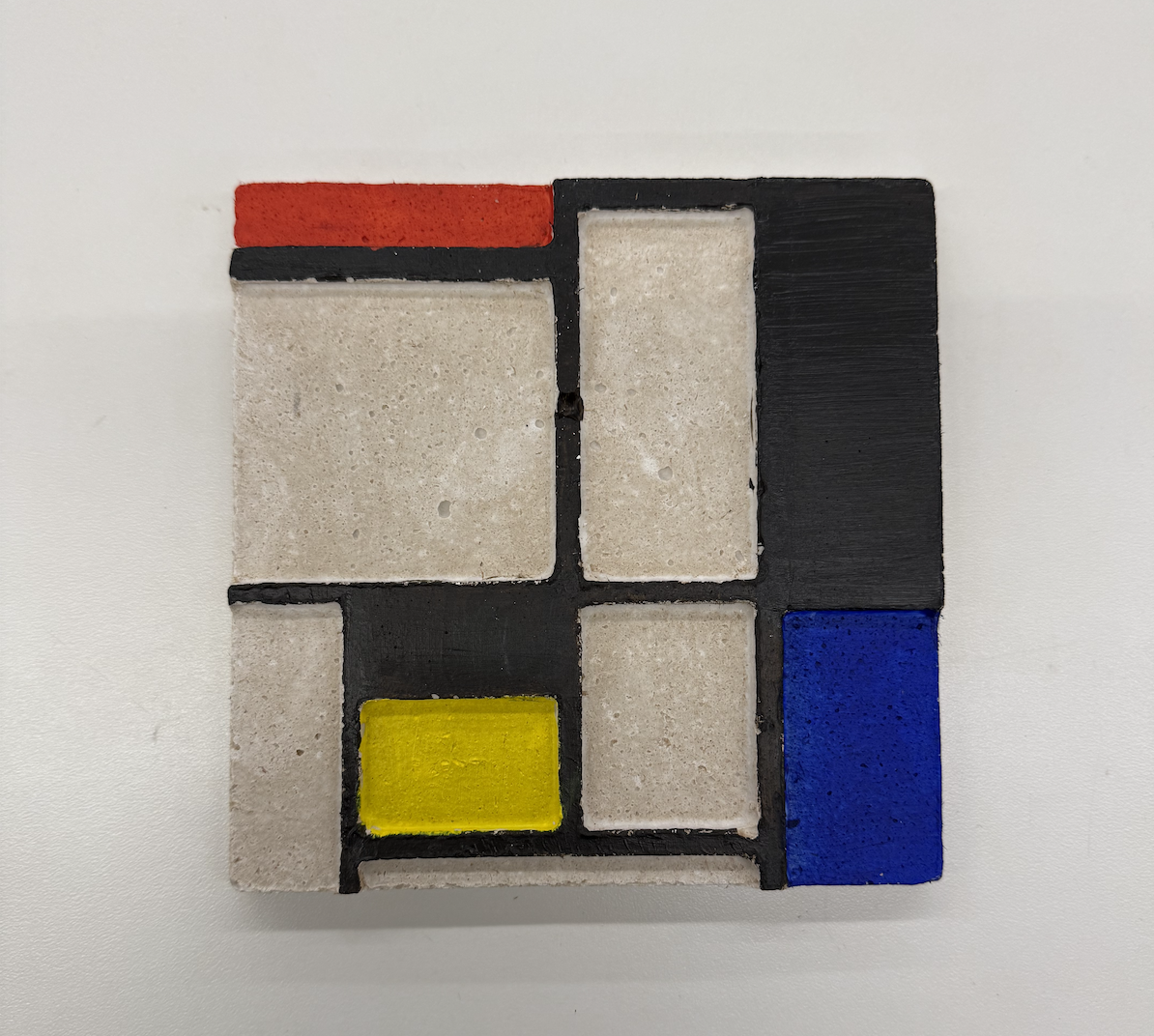
I vacuum formed the ShopBot output and carefully removed it from the mold. I mixed the plaster until it was a pancake-mix like texture, and filled the vacuum formed mold. I let it sit for 20 minutes before coming back and painting it with acrylic paints (only took about two layers of red, blue, yellow and black). I chose to leave the plaster spots that are white, unpainted, to give the same feel as the unrestored painting at the museum. Excited to hang this up and proud of the product! Next steps would be to mix the colors into the plaster and see if I could cast it accordingly instead of painting it; good thing I still have the shopbot output so I could re-vacuum form it!